START HERE
A self-hosted browser for AI agents
An agent reaches a sign-in page. You open the live view, take control, sign in, and hand it back. Tallylamp keeps that Chrome profile on your server so the next task can use the same browser.
What runs where
Tallylamp is a browser service. Your agent runs in the client you choose and calls Tallylamp through MCP, the Model Context Protocol for calling tools. The service manages headed Chrome, which has a display even when it runs on a server.
The dashboard opens in your own browser. Its viewer shows the remote Chrome that your agent is using. Signing into a website there saves the session in the server's Chrome profile; it does not copy a login from your laptop.
| Part | Job |
|---|---|
| Your MCP client | Runs the agent and sends tool calls. |
| Tallylamp on your server | Runs Chrome and stores its profiles on a persistent disk. |
| Dashboard in your browser | Shows the live session and lets you take control. |
When a persistent browser helps
Use it for work you return to: a signed-in research workspace, an internal web app, or a task that needs your help with a verification step. Give the browser a project and a clear purpose so you can find it again.
If all you need is the text of a public page, a fetch or extraction tool may be enough. Tallylamp is useful when the page needs a real browser, saved state, or a person who can step in.
Start with one browser
Deploy the service
Use the Railway template or a Docker host with a persistent volume. Keep the dashboard password in your password manager.
Connect your agent
Create an agent token in the dashboard, then add your deployment's /mcp endpoint to a client that supports Streamable HTTP.
Watch the first task
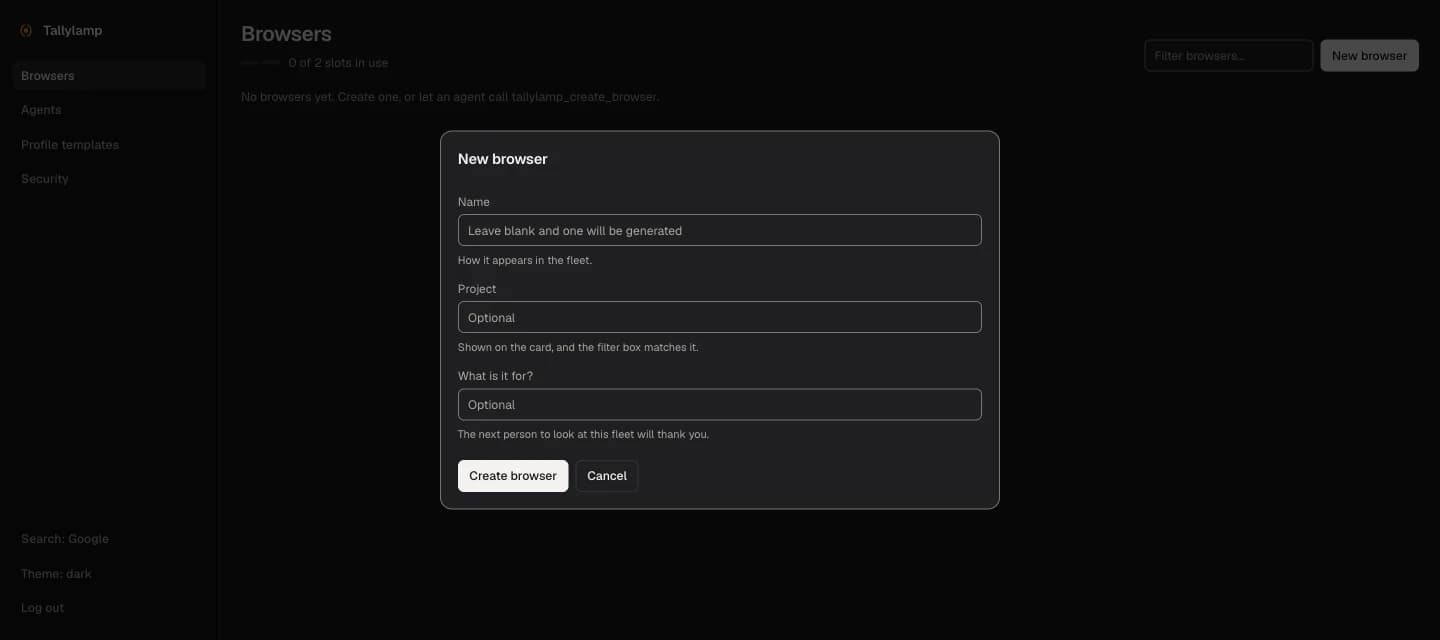
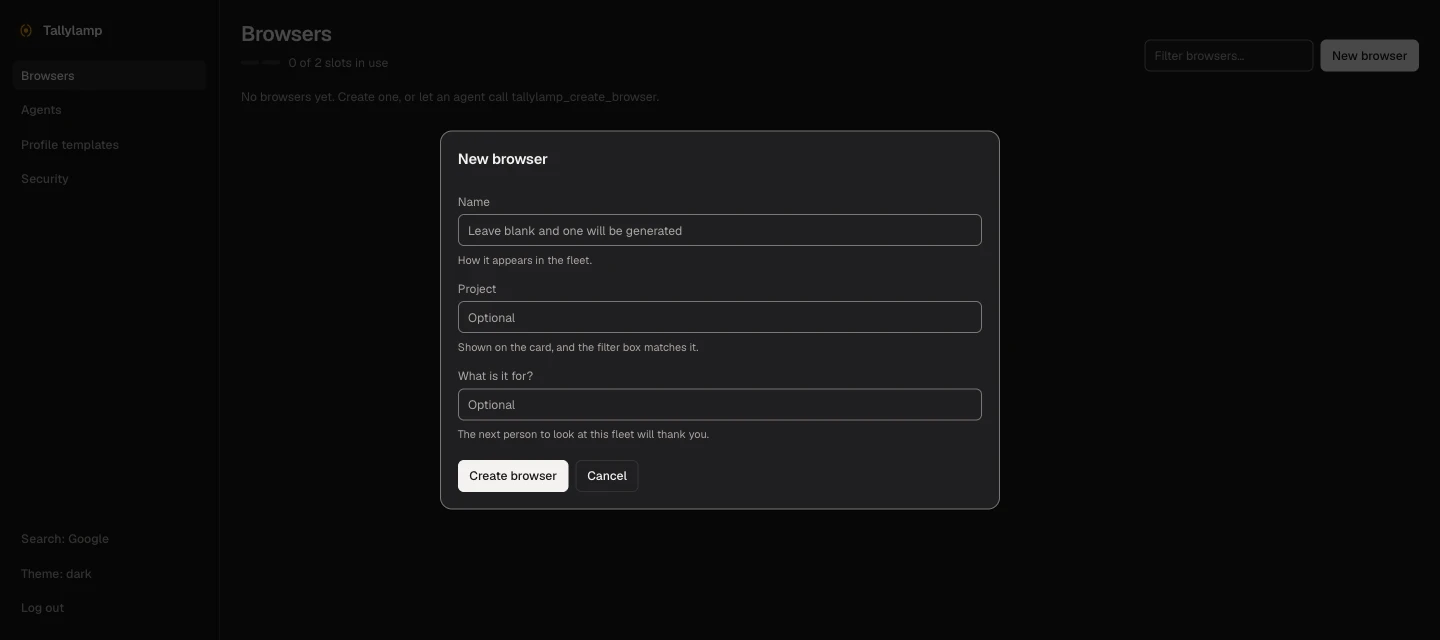
Ask the agent to open a harmless public page. Choose Watch in the dashboard. Try Take control and Return to agent before adding a signed-in account.
The software is free. Hosting is yours.
Tallylamp is open source under the MIT license. You pay your host for compute, storage, and network use. There is no browser cap by default, so measure the pages you actually use.
You also maintain the server and its saved credentials. Browsers in one deployment share a container and Unix user. Use a deployment for one administrator and their trusted agents; separate profiles do not provide virtual-machine isolation.
Docs behind this guide
Based on Tallylamp's documented behaviour. See the source for API details and release-specific settings.