SESSIONS & CONTROL
Let an agent use a tab in your own browser
Some sites turn away a browser that runs on a server, and some pages are already open on your laptop. Tallylamp 0.6.1 and newer can hand an agent a tab in your own Chromium browser instead. You choose each tab, and one click takes it back.
When your own browser is the better choice
A browser on your Tallylamp server connects from a datacenter IP address. Some sites answer that address with a verification page, while a laptop on a home connection loads the same site without one. Other accounts are tied to one device, and you would rather not enrol a second.
For those jobs you can link the browser you already use. The agent works in a real tab on your computer, on your network, signed in as you. It keeps the same MCP tools and finds the linked browser in its browser list.
Scroll across to see all settings
| What differs | Browser on your server | Your own browser |
|---|---|---|
| Where Chrome runs | In the Tallylamp container | On your computer |
| What the agent can reach | The whole browser profile | Only the tabs you share |
| Works while you're away | Yes | Only while your computer and browser are open |
| Saved profiles, proxies and tunnels | Supported | Not supported |
Link your browser once
Install the extension
Download tallylamp-link.zip from the latest Tallylamp release and unzip it somewhere it can stay. Chrome reads that folder every time it starts. Open chrome://extensions, turn on Developer mode, press Load unpacked and choose the tallylamp-link folder. It is not in the Chrome Web Store yet.
Connect to your server
Click the Tallylamp Link icon to open its side panel. Enter your deployment's address, such as your Railway domain, and press Connect.
Approve the code
Your dashboard opens an approval page in a new tab. Check that its code matches the panel, tick the agents that may use this browser, and press Approve and link. Any agent on this server also covers agents you connect later. If you didn't ask for a code, press Deny.
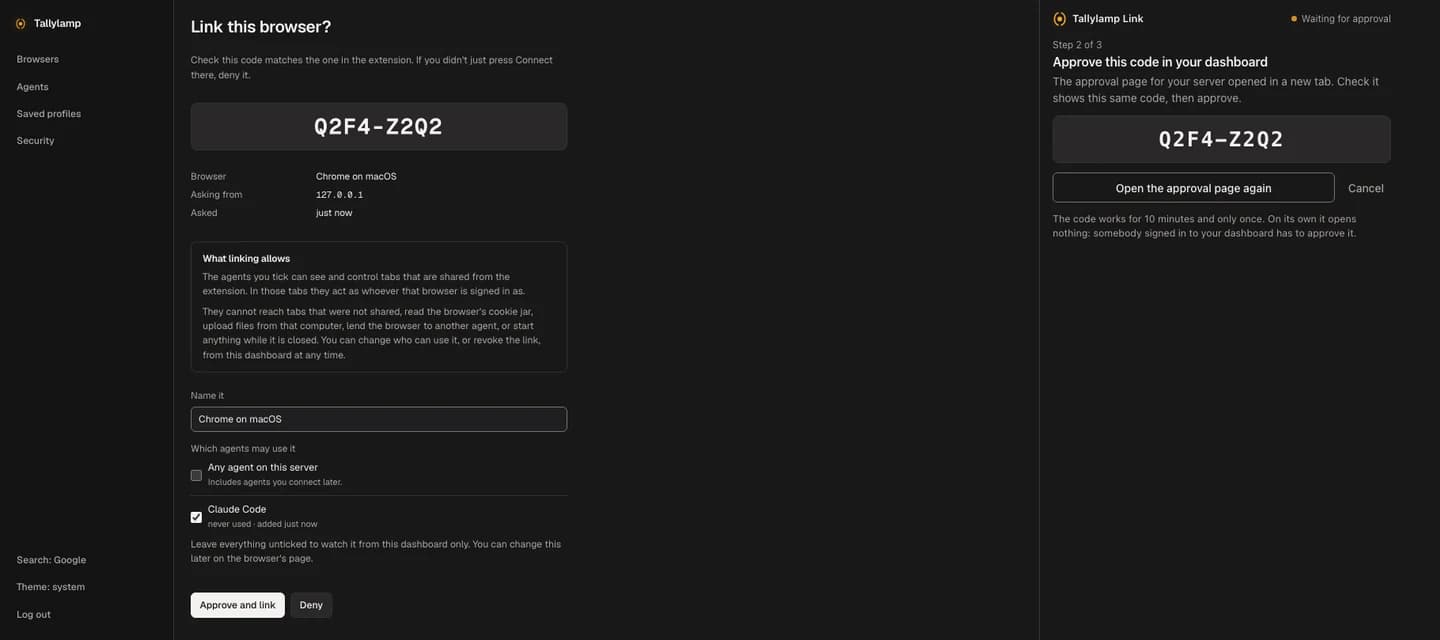
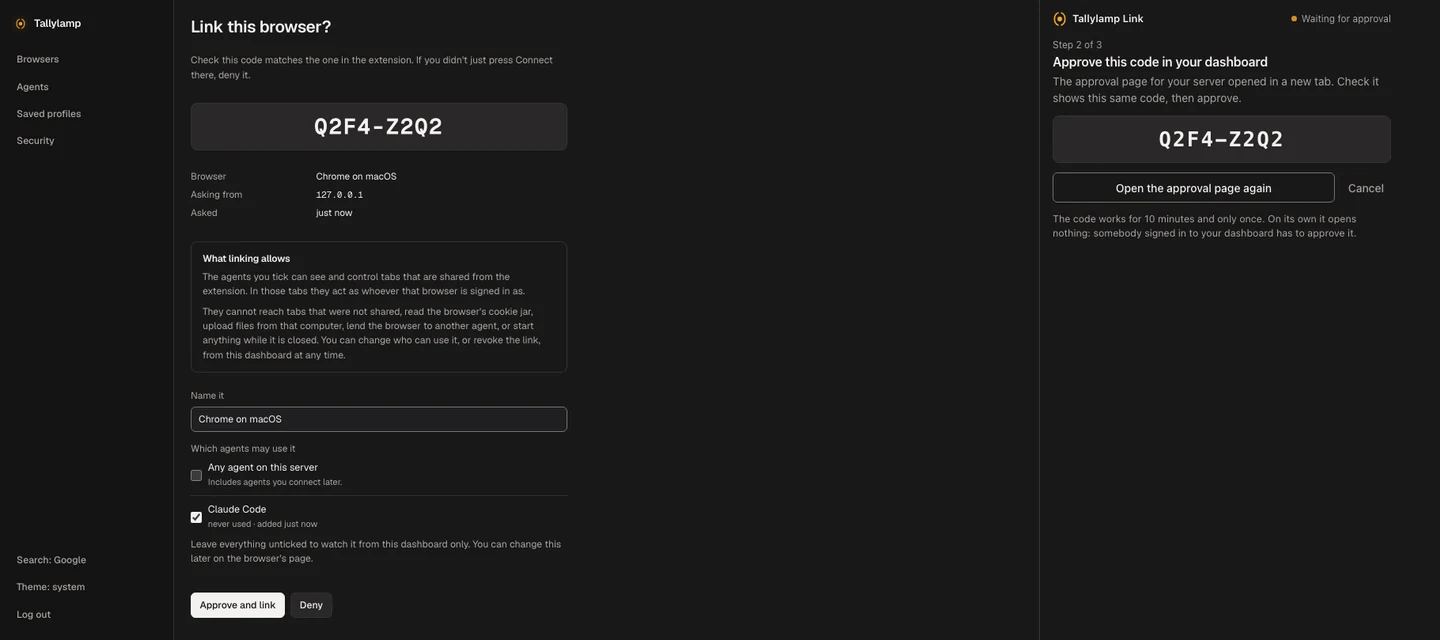
To change which agents can use it later, open the browser in your dashboard and edit Who can use it. An agent you untick loses the browser at its next tool call. Each client you connect over OAuth is its own agent, so one app can appear more than once; the list shows when each was last used.
What the agent can reach
Inside a shared tab the agent acts as you. If the tab is signed in to your email, the agent can read your email. Share a tab the way you would hand someone your unlocked laptop with one window open.
The extension blocks anything that reaches past that tab: the whole browser's cookies, your other tabs, files on your computer, where downloads are saved, and other sites' stored data. It never attaches to Chrome's own pages, to extension pages, or to your Tallylamp dashboard, where an agent signed in as you could approve its own requests. These rules run in the extension, so a misconfigured server cannot turn them off.
No agent can lend your browser to another agent or add one to its list. Only you can, from the dashboard.
Docs behind this guide
Based on Tallylamp's documented behaviour. See the source for API details and release-specific settings.